

Integre la localización empresarial sin hinchar la base de datos.
Los plugins de traducción tradicionales de WordPress a menudo ralentizan los sitios al duplicar cada publicación y página en su base de datos. MultiLipi adopta un enfoque diferente. Nuestro plugin dedicado para WordPress actúa como un ligero Conector API, vinculando su sitio a nuestra Nube de Traducción Neuronal. Esto asegura que su sitio permanezca rápido mientras ofrece contenido optimizado para SEO en más de 120 idiomas.
Esta guía detalla el proceso de instalación y autenticación utilizando el plugin oficial MultiLipi Traducir plugin.
1. Prerrequisitos de Despliegue
Antes de comenzar la instalación, asegúrese de tener:
Acceso de Administrador
Debe tener permisos para instalar y activar plugins (rol de administrador).
Clave API de MultiLipi
Localiza esto en tu Panel de Control bajo Configuración > General.
2. Paso 1: Instalar el Módulo Conector
El plugin está alojado en el repositorio oficial de WordPress para mayor seguridad y facilidad de actualizaciones.
- 1
Inicia sesión en tu Panel de Administración de WordPress.
- 2
Navega a Plugins > Añadir nuevo en la barra lateral izquierda.
- 3
Buscar: Escriba "MultiLipi Translate" en la barra de búsqueda.
- 4
Instalar: Haz clic Instalar ahora en el plugin oficial MultiLipi.
- 5
Activar: Haz clic Activar para inicializar el módulo.
Acción del sistema
Un nuevo elemento de menú etiquetado MultiLipi aparecerá bajo la barra lateral principal de su Configuración pestaña.
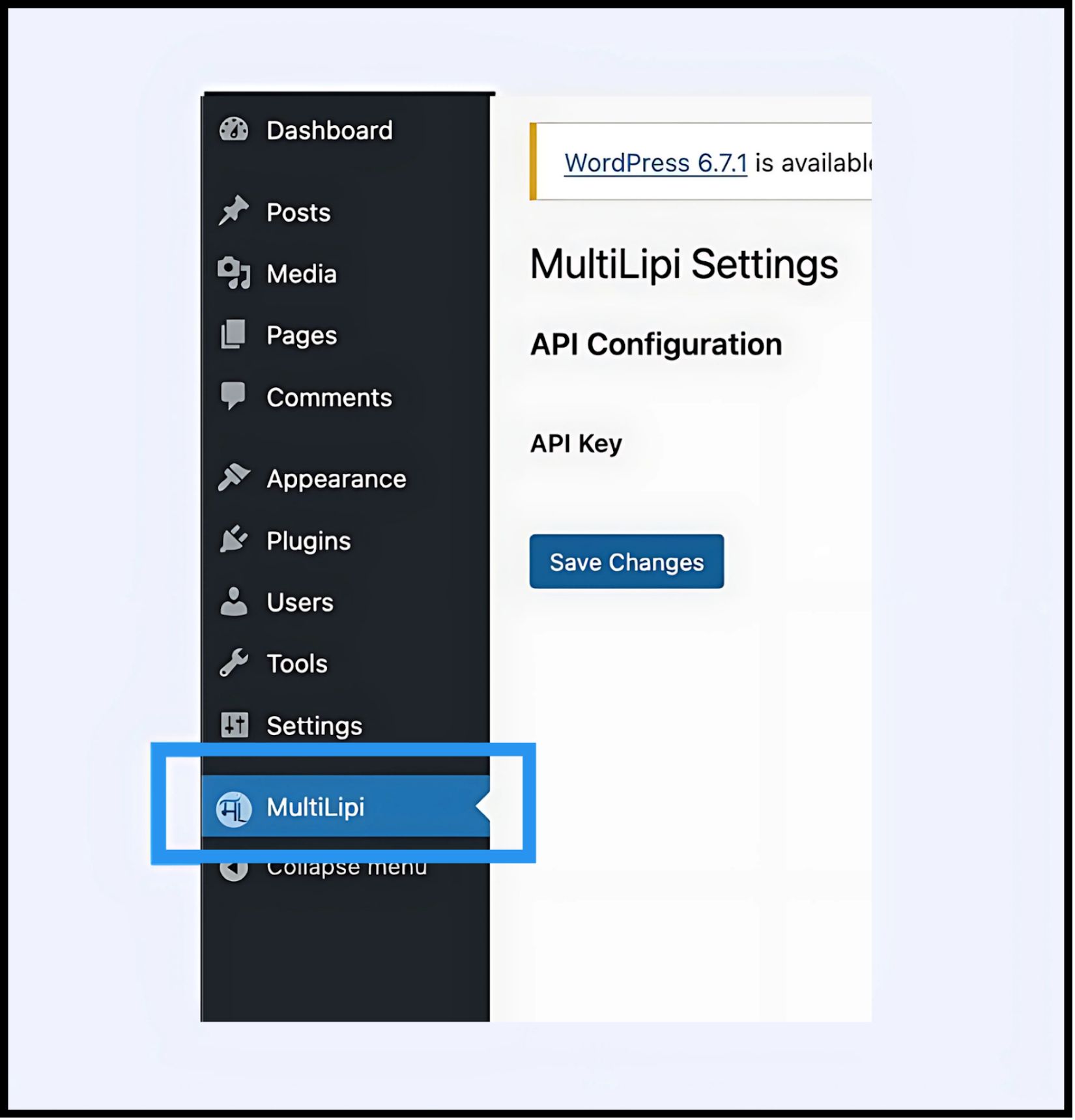
3. Paso 2: Establecer el enlace de la API
Debe autenticar el plugin para conectar su sitio a su proyecto MultiLipi.
- 1
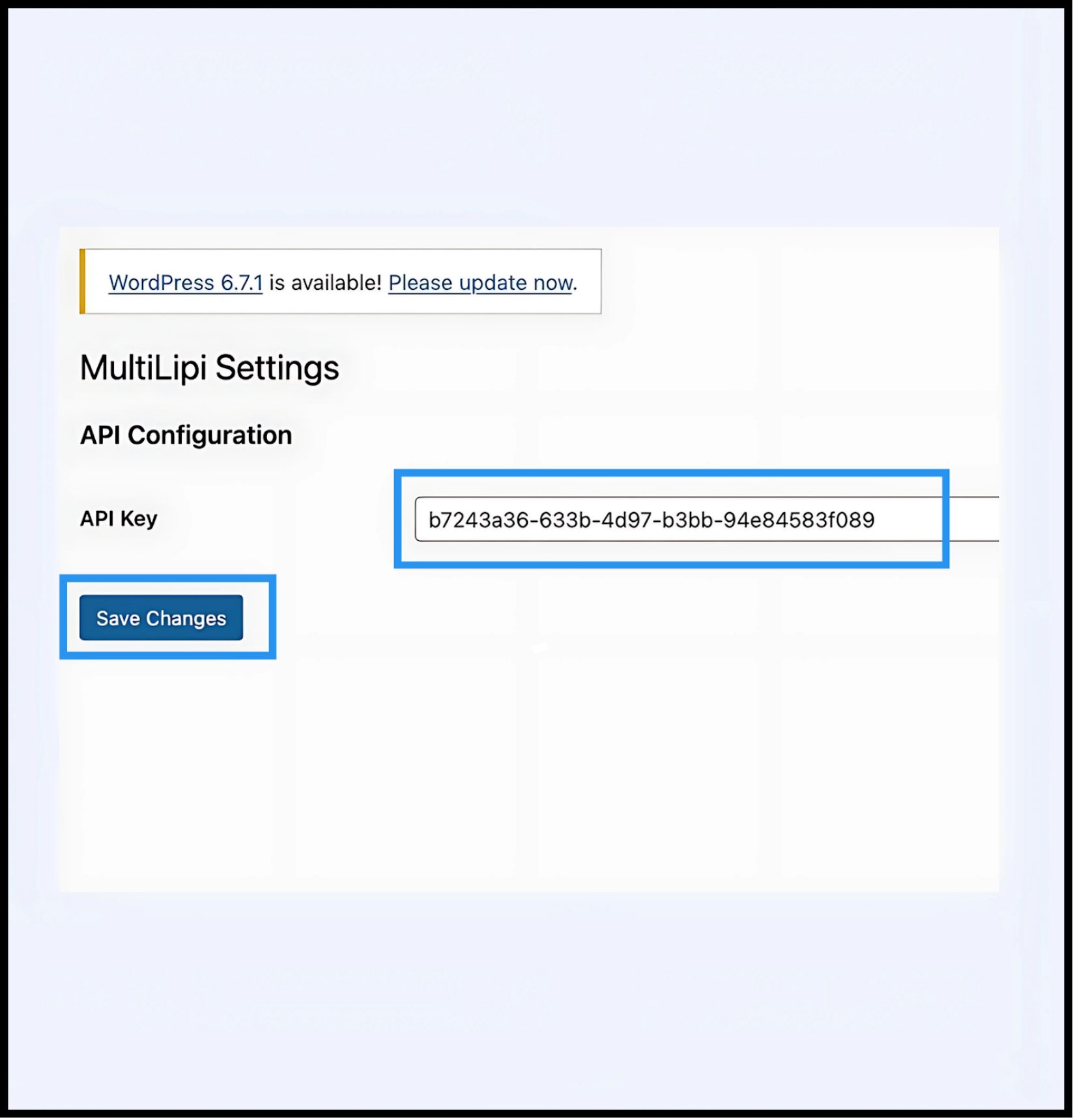
Navega a Configuración > MultiLipi.
- 2
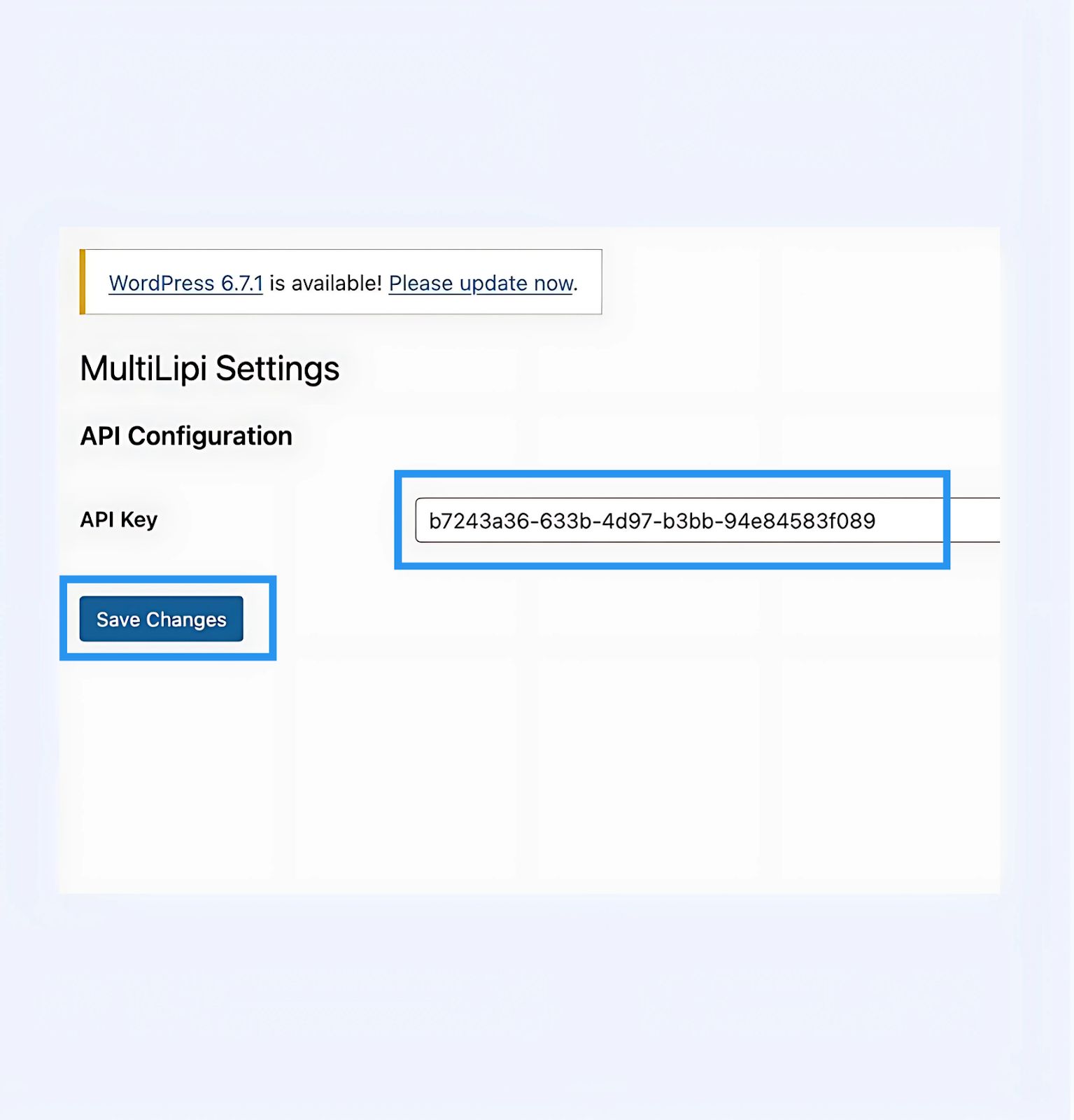
Configuración de la API: Localice el Clave de API campo.
- 3
Autenticación: Pegue su Clave de API de Proyecto única (copiada de su Panel MultiLipi).
- 4
Compromiso: Haz clic Guardar Cambios.
Resultado
El plugin valida la clave y establece una conexión segura con el motor de traducción.
4. Paso 3: Verificación en el borde
Una vez autenticada, la capa de traducción está activa inmediatamente.
Recargar
Visita tu sitio web público.
Verificación Visual
El Conmutador de Idiomas debería aparecer en la esquina inferior izquierda (posición predeterminada).
Prueba Funcional
Cambia de idioma y verifica que el contenido se traduce instantáneamente.
Protocolo de Solución de Problemas
- •Purgar Caché: Si utilizas plugins de caché (WP Rocket, W3 Total Cache) o caché del lado del servidor (Varnish, Nginx), debes limpiar tu caché después de la instalación para que aparezca el conmutador.
- •Comprobación de Conflictos: Asegúrate de que no haya otros plugins de traducción (como WPML o Polylang) activos en las mismas páginas, ya que pueden entrar en conflicto con la inyección del DOM.
5. Gestión Post-Implementación
Con el plugin activo, tu sitio de WordPress ahora está sincronizado con nuestra infraestructura.
Glosario y SEO
No necesitas gestionar las traducciones dentro de WordPress. Inicia sesión en tu Panel de MultiLipi para definir Reglas de Glosario, configurar etiquetas Hreflangy gestionar URLs traducidas.
Anulaciones Visuales
Usa el Editor Visual en el panel de MultiLipi para corregir cualquier problema de diseño causado por la expansión del texto (por ejemplo, en alemán o ruso).
Actualizaciones
Todas las ediciones de traducción realizadas en la nube de MultiLipi se reflejan instantáneamente en tu sitio de WordPress sin necesidad de actualizar el plugin o limpiar las cachés de nuevo.